v0.4.0
Flows & Screen Context
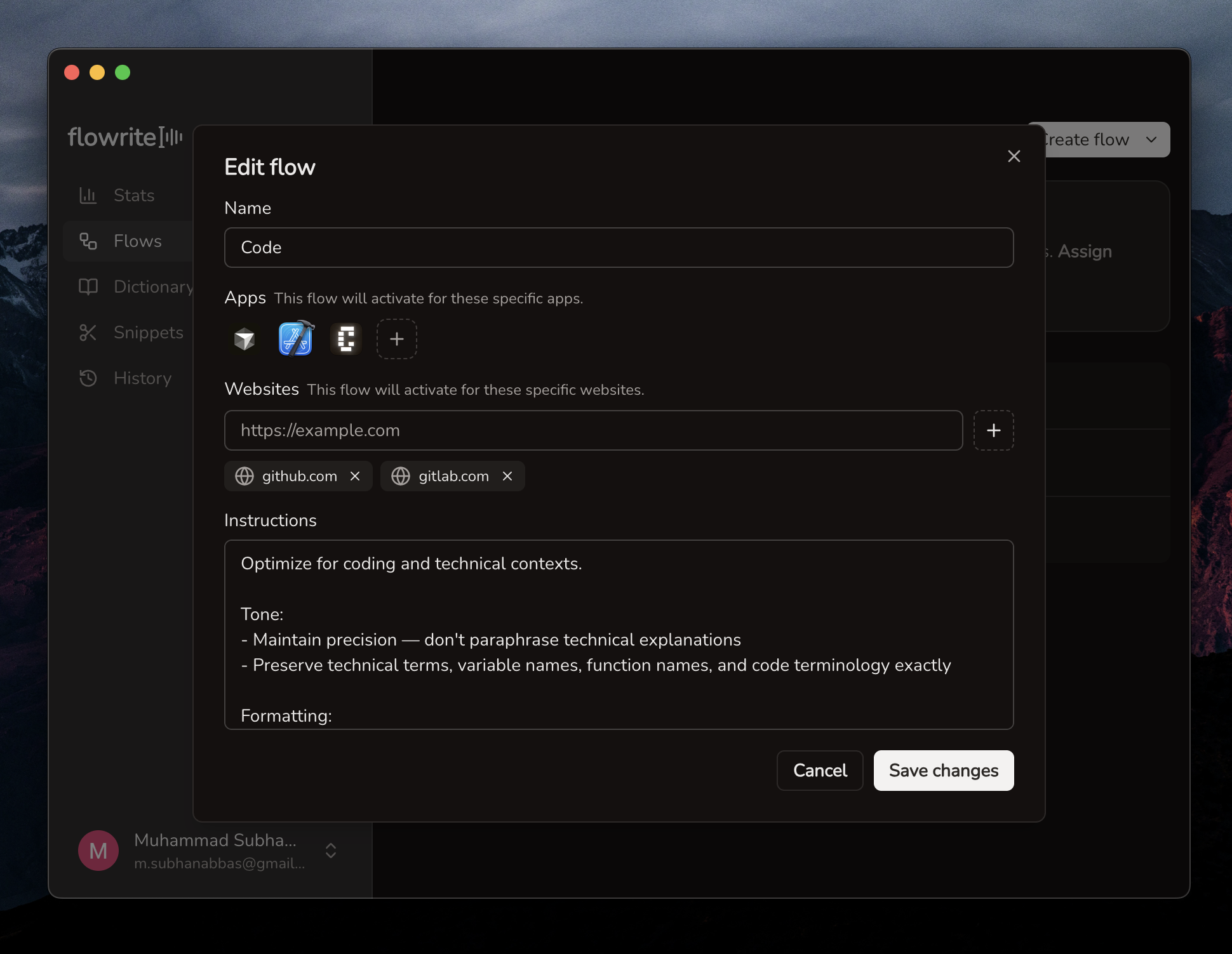
We've added Flows — a way to customize how Flowrite processes your speech depending on which app or website you're using.
Features
- Flows let you create app-specific and website-specific instructions so transcriptions adapt to your context automatically
- Screen capture context captures what's on your screen to give the transcription model more context for better accuracy
- Timed auto-hide adds options to the floating panel context menu to automatically hide it after a delay
- Improved WPM stats now uses actual speech duration (excluding silence) for more accurate words-per-minute tracking
- Faster transcription with improved speech-to-text speed
Improvements
- Paragraph breaks in history makes longer transcriptions easier to read
- Smoother onboarding delays shortcut handlers until the try-it-out step to avoid accidental triggers
Bug Fixes
- Billing reliability fixes word limit tracking, caching, and error handling